
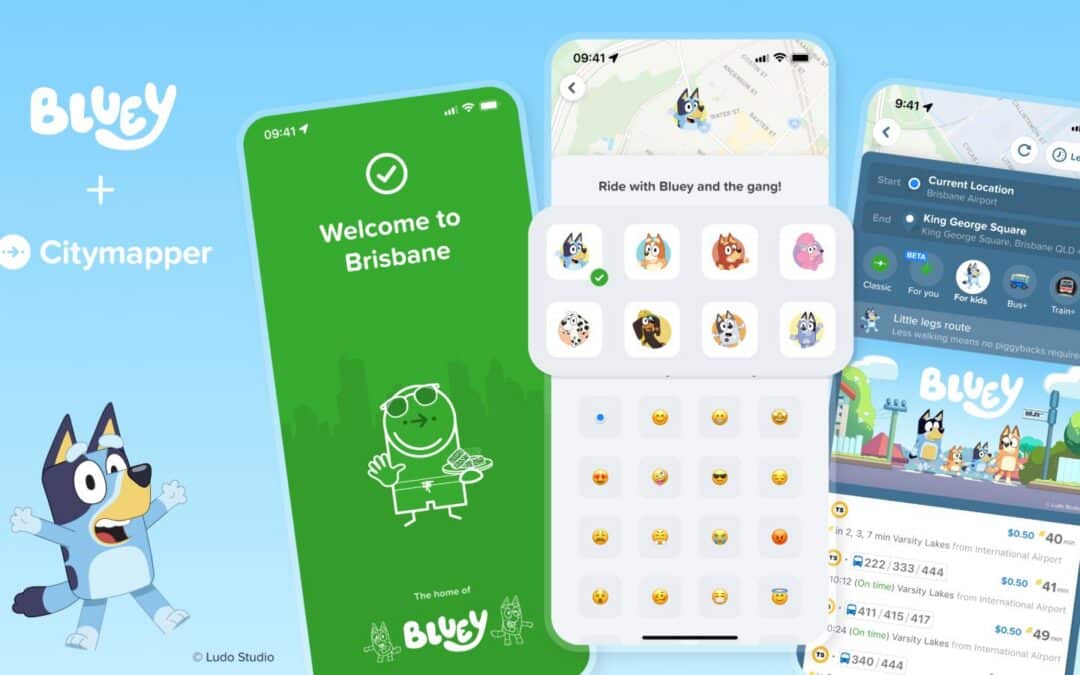
Anyone who has tried to cross New York City with a stroller, tired little legs and a holiday schedule knows that the journey can be half the adventure. Bluey and Citymapper have teamed up to make family travel a little easier—and a lot more playful—just in time for Thanksgiving.
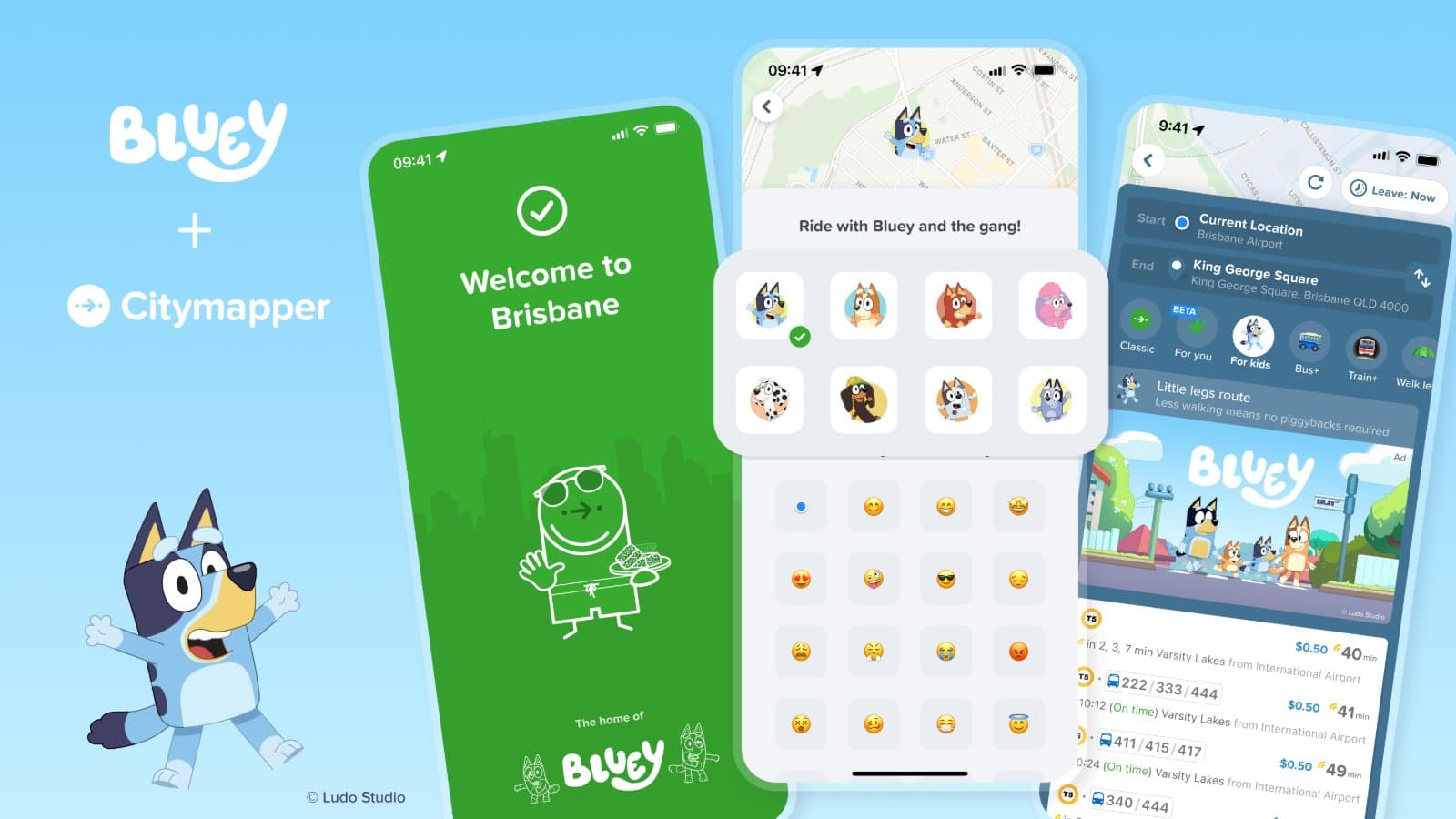
A route made for little legs
Citymapper’s Bluey “For Kids” option is available in participating cities across the United States, United Kingdom and Australia. Instead of focusing only on the fastest journey, the family-friendly option prioritizes shorter walks, step-free routes and stroller-friendly stations—a welcome consideration when you’re navigating transit with younger children.
The collaboration also brings Bluey-themed navigation icons, clips and links to games and activities on Bluey.tv. It’s part of BBC Studios’ Play The Bluey Way initiative, encouraging families to find moments of play in everyday routines.
How to find the Bluey route
- Open Citymapper and plan a trip in a participating city.
- Look for the Bluey “For Kids” option alongside the regular route choices.
- Compare the walking and accessibility details before heading out.
- Follow the directions and enjoy the journey.
A Thanksgiving Parade bonus
For Thanksgiving Day, November 26, the partnership also promises a special navigation icon inspired by Bluey’s new Christmas-themed balloon in the Macy’s Thanksgiving Day Parade. The limited-time feature connects the app experience with one of New York’s best-known family holiday traditions.
Read more at Bluey’s official Citymapper guide and see the BBC Studios holiday announcement. Features may vary by city and app version.